
Help center › Paying
Pay with MTN or Orange Money
Approve the request on your phone.
- Choose Mobile Money when you pay and check the number.
- A request appears on your phone. Enter your Mobile Money code to approve it.
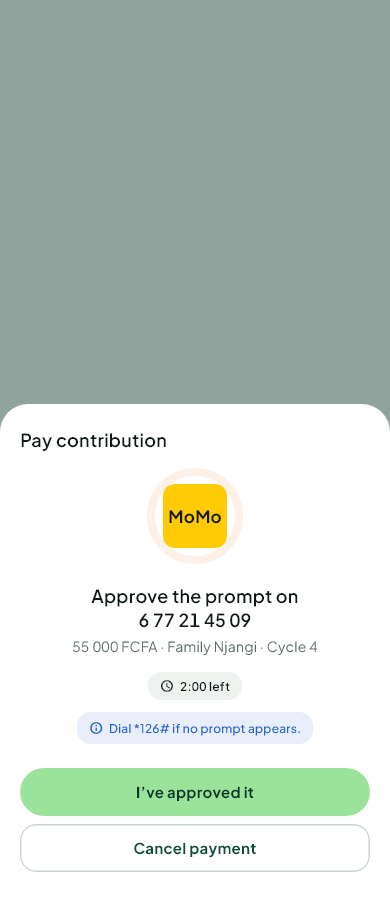 3. Keep the app open: we confirm as soon as the operator answers.
Nothing appears? Check that the number is right and that you have enough balance, then try again. If a payment fails, no money is taken. If your operator took the money but the app still says waiting, do not pay twice: we check with the operator and update your payment.
Was this helpful?
Thank you for telling us.
Still stuck? Write to Support